Blog
Garmin watch face blog
What we have learned building watch faces for Garmin, written down: installing them, what every data field means, what actually costs you battery, and how to pick a dial you will still like in a month. Stuck right now? Start with install & licence help.
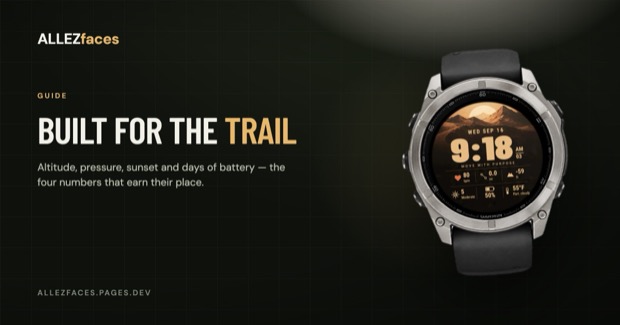
Choosing a Garmin watch face for hiking and the outdoors
On the trail the numbers that matter are not the ones a runner needs. Altitude, pressure, sunset and battery days belong on a hiking dial — and one of them needs hardware your watch may not have.
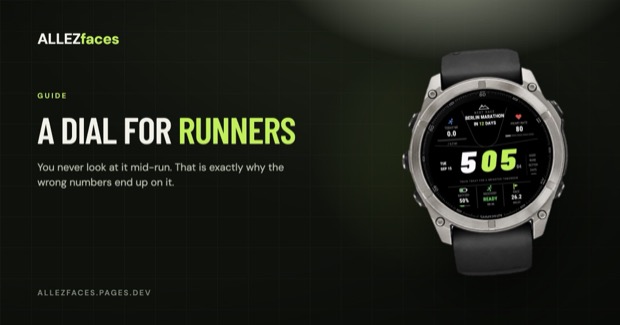
Read →How to choose a Garmin watch face for running
A running watch face is judged at a glance, mid-stride, with a heart rate of 170. What belongs on the dial, what belongs in the activity screens instead, and how to pick one you will still like in a month.
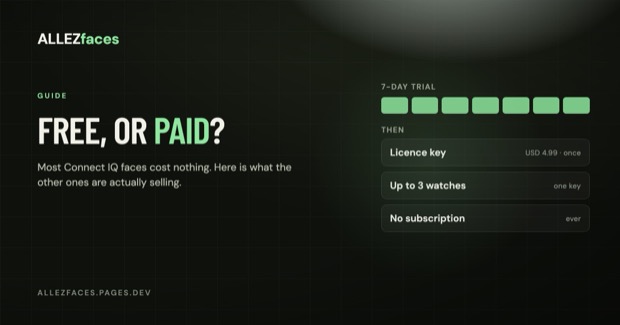
Read →Do you have to pay for Garmin watch faces?
Most Connect IQ watch faces are free, some cost a few dollars, and the ones in between run on trials and licence keys. Here is how the money actually works, and what you get for it.
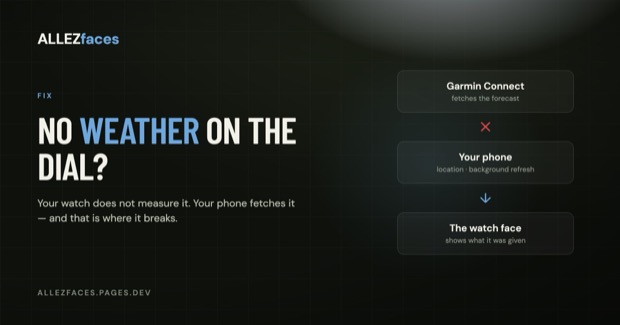
Read →Garmin watch face not showing weather? Here is why
Weather on a Garmin watch face comes from your phone, not from a sensor on your wrist. That single fact explains almost every case of a blank or stale forecast — and how to fix it.
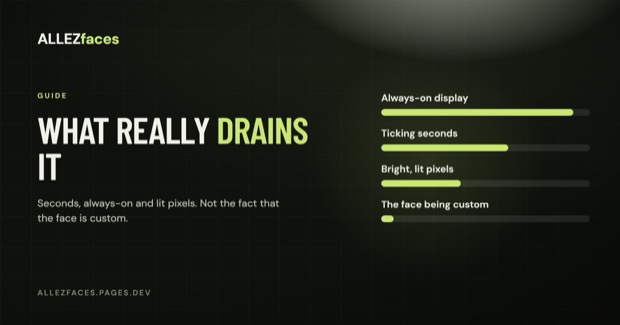
Read →Do custom watch faces drain your Garmin battery?
Custom Connect IQ watch faces can cost you battery, but not for the reasons most people assume. What actually matters is seconds, always-on, lit pixels and how much the face redraws.
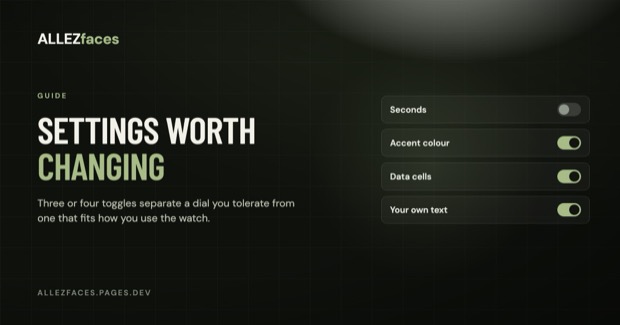
Read →Garmin watch face settings: what is worth changing
Where Connect IQ watch face settings live, and which of them actually change your day — turning seconds off, picking the right accent colour, and choosing what each data cell shows.
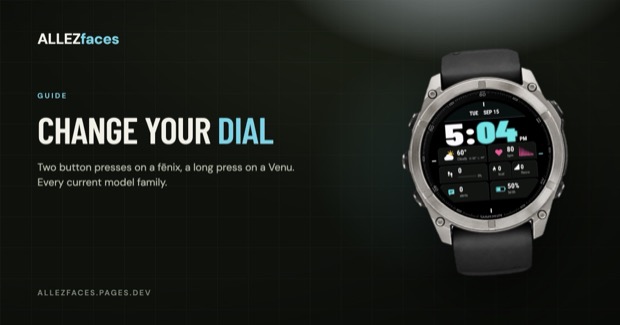
Read →How to change the watch face on your Garmin
Switching watch faces takes two button presses once you know where Garmin hid the menu — and it is in a different place on a fēnix than on a Venu or a vívoactive. Every current model family, step by step.
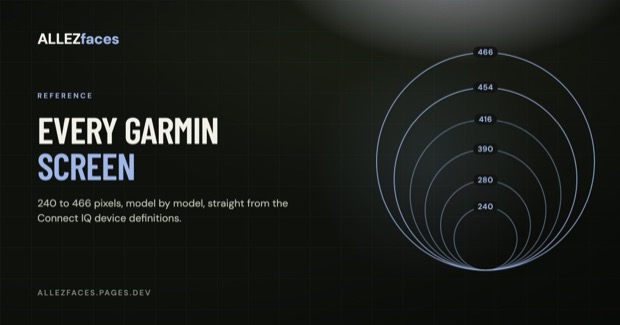
Read →Garmin watch screen sizes and resolutions, model by model
Every current Garmin that runs Connect IQ watch faces, grouped by screen resolution and display type — and what those pixels actually mean for how a watch face looks on your wrist.
Read →Garmin watch face icons and symbols explained
The small icons on a Garmin dial — the crossed-out phone, the lightning bolt, the moon, the footprint, the stairs — and what each one is actually telling you.
Read →Garmin watch face data fields explained
What every metric on a Garmin watch face actually means, which ones your watch can measure, and why a field shows "--" instead of a number.
Read →How to install a Garmin watch face — and what to do when it won't install
Installing a Connect IQ watch face on a Garmin takes about a minute, when it works. Here is the flow, plus fixes for a download stuck on "queued" and a face that installed but never appeared.
Read →MIP vs AMOLED: which Garmin display suits you, and what it means for watch faces
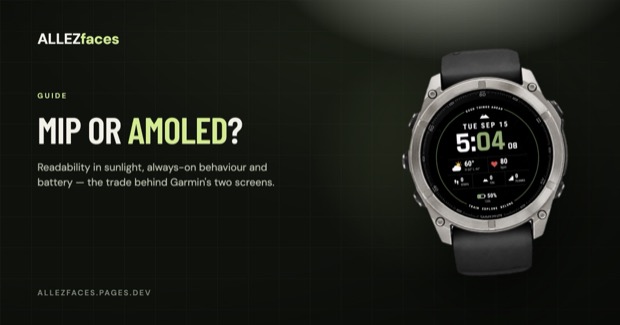
Readability, always-on behaviour and battery trade-offs between Garmin's two display types — and which designs work on each.
Read →