Guide
Garmin watch face data fields explained
A modern Garmin watch face can put a dozen numbers on one dial, and the labels are not always self-explanatory. This is what each of the common ones means, where the number comes from, and — the question that brings most people here — why one of them is showing two dashes instead of a value.
Why a field shows "--"
A watch face can only display what the watch gives it. When a field shows --, one of three things is true:
- The value does not exist yet. Heart rate before the optical sensor has settled, weather before the first sync of the day, Body Battery in the first hours after a factory reset.
- Your watch cannot measure it. Altitude and floors climbed need a barometric altimeter, and several Garmin models do not have one. No watch face can conjure that number.
- Something is switched off. Wrist heart rate disabled in the watch's sensor settings takes heart rate, Body Battery and stress with it, because they are all derived from it.
The first case fixes itself. The second is permanent, and the right response is to put a different metric in that slot — on any well-built face, every cell is configurable from the Garmin Connect app.
The fields, one by one
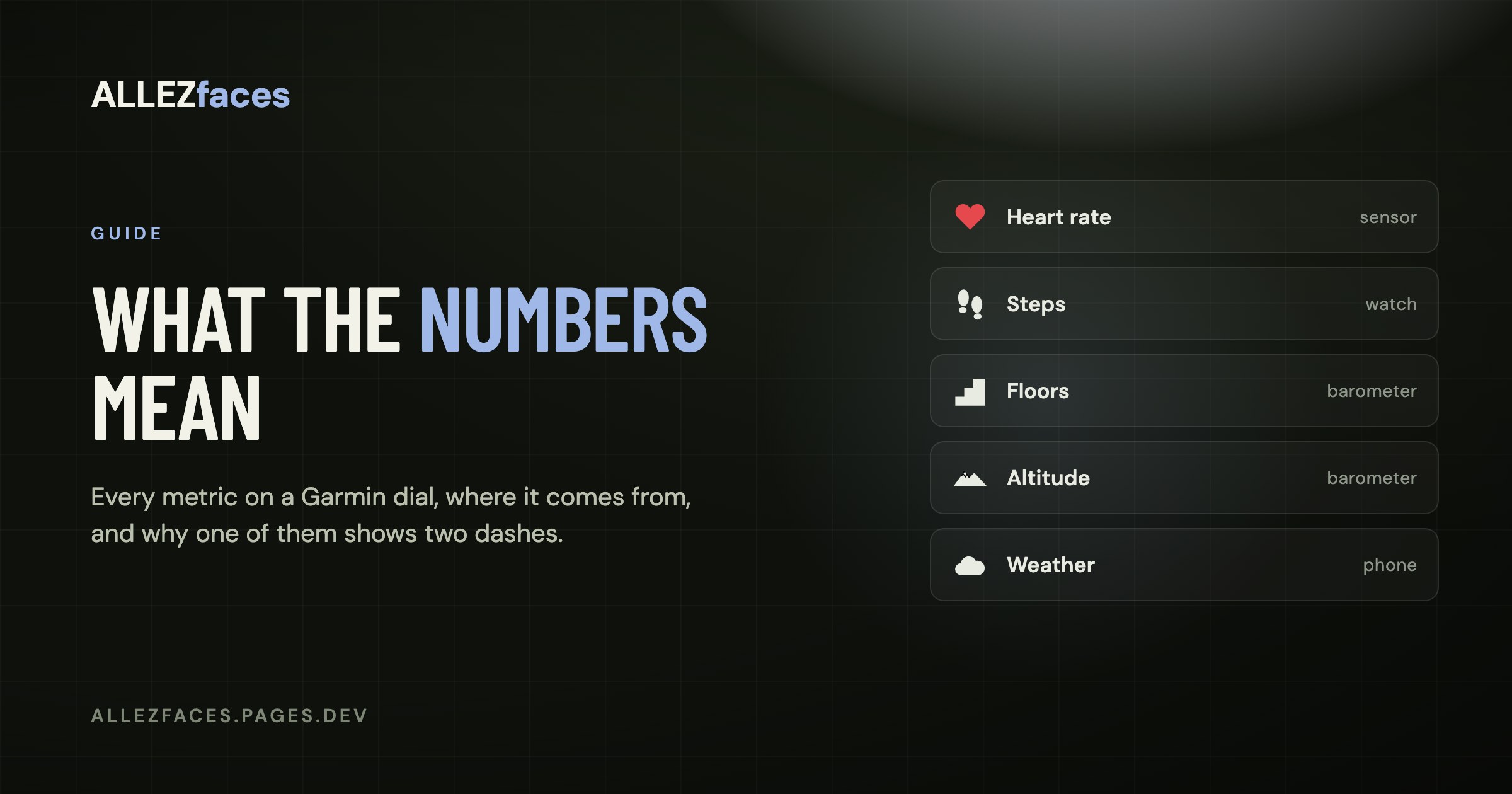
Heart rate
Beats per minute from the optical sensor on the back of the watch. A face normally shows the current reading, falling back to the most recent stored sample when the sensor has not produced a fresh one — which is why the number can look "stuck" for a minute after you put the watch on.
Steps and step goal
Steps since midnight, and the target Garmin has set for the day. If your goal moves on its own, that is Garmin's auto-goal feature adjusting it based on recent days; you can fix it to a constant in the Garmin Connect app.
Distance
Distance walked and run today, from step data rather than GPS, so treat it as an estimate rather than a measurement. It follows your watch's unit setting, kilometres or miles.
Calories
Total calories for the day: your basal metabolic rate plus activity. This is why the number is already in the hundreds when you wake up. Some faces can show active calories only.
Floors climbed
Flights of stairs, measured by the barometric altimeter detecting pressure changes. Needs a barometer. On a watch without one, this field will never produce a value.
Altitude
Height above sea level from the same barometric sensor, corrected against GPS when available. Also needs a barometer, and it drifts with the weather — a passing front can move the reading by tens of metres without you going anywhere.
Body Battery
Garmin's 0–100 estimate of your available energy, built from heart rate variability, stress, sleep and activity. It charges during rest and sleep, and drains with exertion and stress. Needs wrist heart rate to be on, and needs a few days of data before it means much.
Stress
A 0–100 score derived from heart rate variability. Low numbers mean your body is in a restful state, high numbers mean it is not — which includes excitement and caffeine, not only stress in the everyday sense. It is blank during activities, because the measurement does not apply while you are moving.
Intensity minutes / active minutes
Minutes of moderate or vigorous activity, counted against a weekly goal rather than a daily one on most watches. Vigorous minutes usually count double.
Pulse ox
Blood oxygen saturation as a percentage. Measured on demand or on a schedule, never continuously, because the sensor is expensive in battery terms. A face shows the most recent reading, which may be hours old.
Weather, temperature, high and low
This comes from Garmin Connect on your phone, not from a sensor on the watch. The watch has no barometric thermometer worth reading for air temperature — a sensor on your wrist mostly measures your wrist. If weather is blank, the phone has not synced or Garmin Connect has no location permission.
Sunrise and sunset
Calculated from your position and the date. If the watch has never had a GPS fix and Garmin Connect has not supplied a location, these can be blank or wrong.
Battery
Percentage remaining, and on many watches an estimate of days left. The estimate is based on your recent usage pattern, so it swings after a day with a long GPS activity.
Notifications and alarms
The count of unread notifications relayed from your phone, and whether an alarm is set. Both depend on the phone connection being alive.
Second time zone
A fixed UTC offset you set yourself. Because it is an offset rather than a place, it does not follow daylight saving on its own — worth remembering twice a year.
Choosing what to put on the dial
The temptation with a configurable face is to fill every slot. A more useful approach is to ask, for each cell, *what would I do differently if this number changed?* Steps and battery pass that test for most people. Pulse ox generally does not — it is an interesting number, not an actionable one, and it is out of date by the time you glance at it.
Three or four numbers you actually use will serve you better than nine you have stopped reading. If you want the numbers to be bigger and the layout calmer, that is a design decision you can make by choosing a face built around fewer fields rather than by turning cells off on a crowded one.
Every ALLEZfaces design lets you choose what each cell shows from the list above, so a watch without a barometer can put heart rate or Body Battery where altitude would have been. The install and licence help page shows where those settings live.
Eleven watch faces, one licence each
Every ALLEZfaces design runs free for 7 days on your own watch, so you can see it on your wrist before you decide.
See the collectionUSD 4.99 once per design · no subscription · works on 50 Garmin models