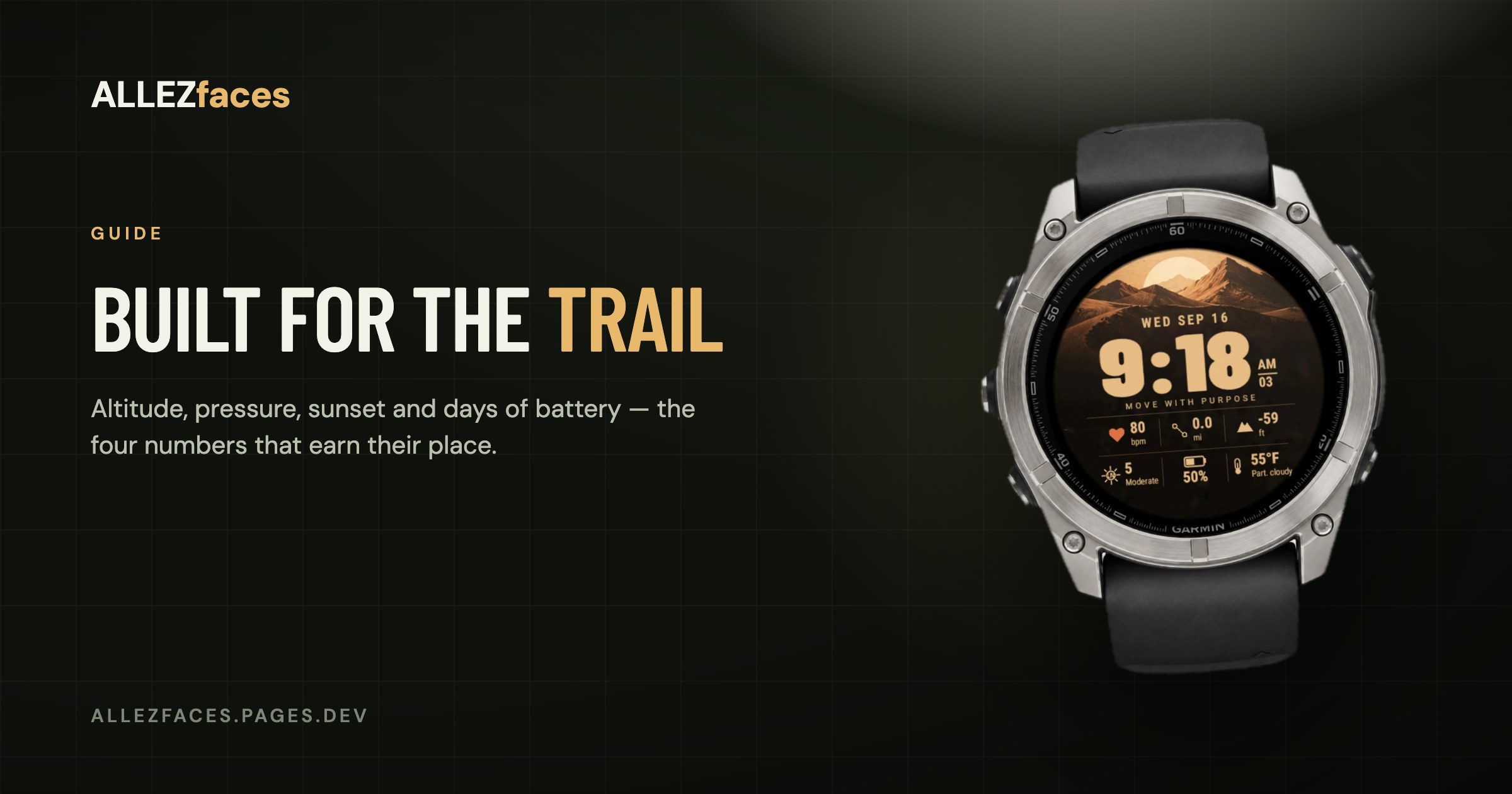
Guide
A Garmin watch face for hiking
A hiking watch face and a running watch face want different things. A runner checks recovery in the morning and looks at activity screens during the session. A hiker is out for eight hours, often without signal, and the watch face is the instrument panel between navigation screens: how high am I, is the weather turning, how long until dark, and will the battery last.
Those four questions map onto four fields.
Altitude, and the barometer question
Altitude is the number that makes a dial feel like a mountain instrument, and it is the one most likely not to work on your watch. It comes from a barometric altimeter, and several Garmin models do not have one — including popular Forerunners. On those watches the altitude cell will show -- forever, and no watch face can change that.
Check before you choose a face: if your model has barometric altitude in its activity screens, a watch face can show it too. What the data fields mean lists which metrics depend on which sensor.
A quirk worth knowing: barometric altitude drifts with the weather. A passing front can move the reading by tens of metres overnight while the watch sits on a table. That is not a fault; it is the same physics that makes the next number useful.
Barometric pressure and its trend
The absolute pressure value means little to most people. The trend is what matters: a steady fall over a few hours is the classic signal of deteriorating weather, and on a ridge that is information worth having before the forecast on your phone catches up — especially where there is no signal to fetch a forecast at all.
If a face can show pressure with a rising/falling arrow, that arrow is doing more work than the number.
Sunset, not the time
On a hike the question is never "what time is it", it is "how long do I have". A sunset time turns that into arithmetic you can do at a glance; some faces show time-until-sunset directly, which is better still.
This is also the field that most justifies its space in winter. In June nobody checks it. In October, on a descent, it is the most important number on the watch.
Battery in days, not percent
"68 %" means nothing on day two of a hut-to-hut. "4 days" means you are fine, or you are not. Garmin's estimate is rough and reacts to your recent usage, so it drops sharply after a long GPS day — which is exactly the behaviour you want from a planning number.
If you are heading out for longer than the estimate, that is the moment to switch the watch into a battery saver mode, not the moment to discover it on a summit.
What matters less than you would think
- Steps. A hike destroys any step goal by lunchtime. Interesting afterwards, useless during.
- Heart rate. Present on almost every face, and genuinely useful for pacing a long climb — but the activity screens show it during the walk anyway.
- Compass heading. A watch face compass is a nice touch and a poor navigation instrument. The compass and map screens are a button press away and far more usable. Treat a dial compass as orientation, not navigation.
- Weather condition icons. They come from your phone, which means they are as old as your last sync. In a valley without signal, the pressure trend is real data and the cloud icon is a memory.
Screen and display matter more outdoors
Two practical points that outweigh most design questions:
MIP is genuinely better in bright sun, and it is the reason the Solar models exist. A transflective display gets *more* readable as the light gets harsher, and it costs almost nothing to leave on permanently. An AMOLED is brighter and prettier indoors, and on a glacier at noon a MIP is easier to read. The MIP vs AMOLED guide covers the trade in full — and note that every Garmin Solar model is MIP, which is also why those models have fewer pixels to draw on.
Gloves. If you hike in cold weather, a touchscreen-only interaction model is a problem, and a face designed around tapping is a worse problem. Button-operated watches and faces that need no interaction at all are the safer choice.
A workable hiking dial
If you are configuring a face for the trail, this is a sensible default set:
- Time, large.
- Altitude, second largest.
- Pressure with its trend arrow.
- Sunset.
- Battery with days remaining.
That is five things, which is about the limit for glanceability, and it answers all four trail questions. Add heart rate if you pace by it; drop the compass.
From our own collection, DUNE and STORM are built around this kind of layout — DUNE around altitude and UV for long days in the open, STORM around pressure, wind and rain for the days when the weather is the whole problem. Both run free for a week, which on a hiking face is exactly the right amount of testing: take it out once and see whether you looked at the right things.
Eleven watch faces, one licence each
Every ALLEZfaces design runs free for 7 days on your own watch, so you can see it on your wrist before you decide.
See the collectionUSD 4.99 once per design · no subscription · works on 50 Garmin models