Fix
Weather missing from your Garmin watch face
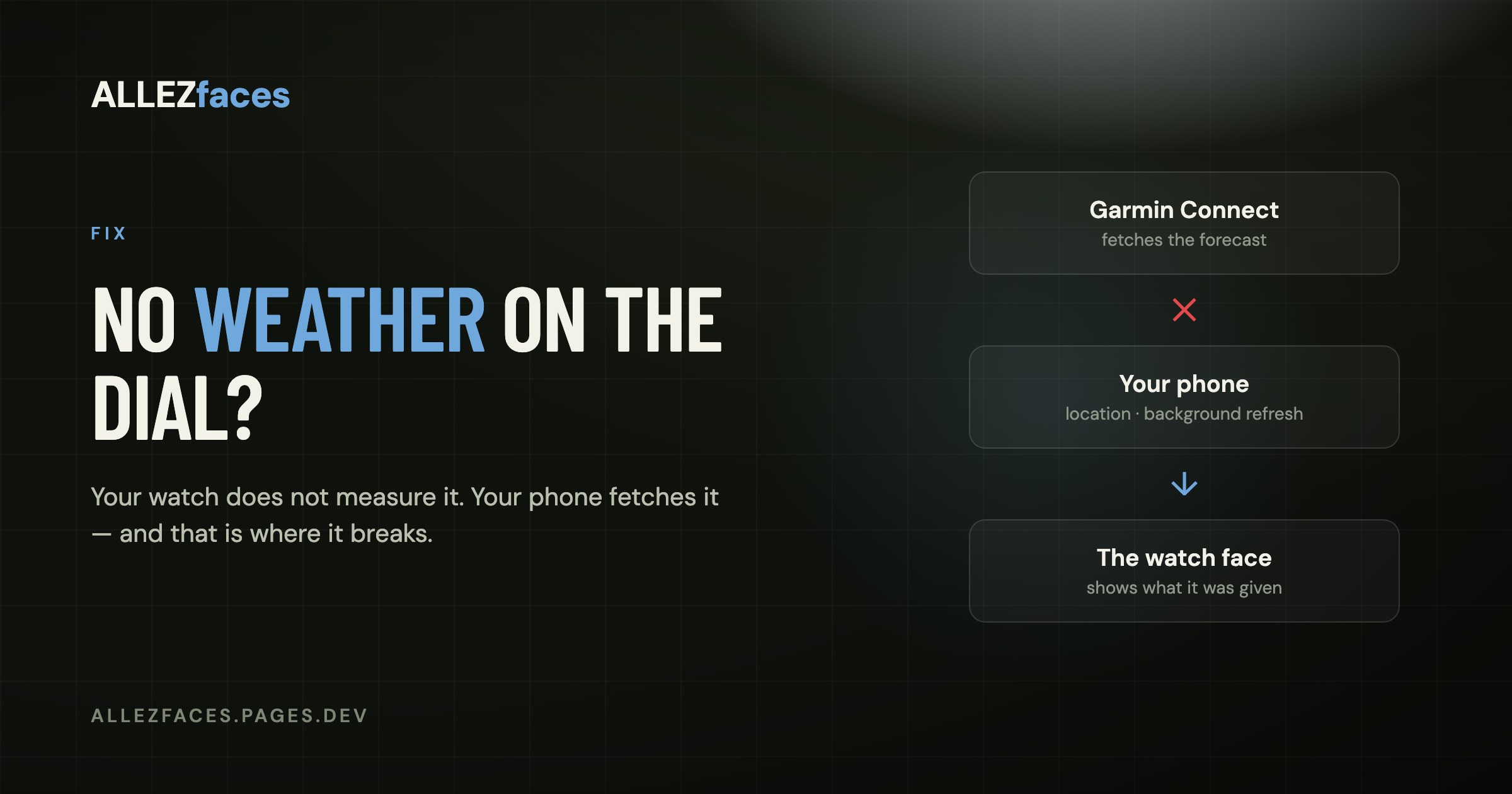
The most useful thing to know about weather on a Garmin: your watch does not measure it. There is no thermometer on your wrist worth reading for air temperature — a sensor there mostly measures you — and there is certainly no rain forecast in the hardware. The weather on your dial was fetched by the Garmin Connect app on your phone and handed to the watch during a sync.
Every blank weather field traces back to a break somewhere in that chain.
Work through it in this order
1. Is the phone actually connected?
Look for the crossed-out phone symbol in the watch's status area. If Bluetooth has dropped, nothing new reaches the watch — weather, notifications or otherwise. Reconnecting usually means opening Garmin Connect on the phone and waiting a few seconds.
2. Does Garmin Connect have location permission?
This is the most common real cause. The forecast is fetched for wherever your phone thinks it is, so if you denied location to Garmin Connect, or granted it only "while using the app", the background fetch has nothing to work with.
- iPhone: Settings → Garmin Connect → Location → Always, and Precise Location on.
- Android: Settings → Apps → Garmin Connect → Permissions → Location → Allow all the time.
After changing it, open Garmin Connect once in the foreground to trigger a fetch.
3. Is Garmin Connect allowed to run in the background?
Both phone platforms aggressively suspend background apps to save battery, and a suspended Garmin Connect cannot refresh anything. On iPhone: Settings → Garmin Connect → Background App Refresh on. On Android: battery optimisation for Garmin Connect set to unrestricted.
If your weather is always correct right after you open the app and hours stale otherwise, this is your answer.
4. Force a sync
From the device page in Garmin Connect, trigger a manual sync rather than waiting. Weather usually appears within a few seconds of a successful one.
5. Restart the watch
If the connection looks fine and a sync completes but the field is still empty, restart the watch — hold the light button and choose Power Off, then start it again. This clears a stale weather cache that occasionally survives otherwise.
"The weather is there, but it is wrong or old"
It shows another city
The forecast follows your phone's location, and Garmin caches the last known one. If you have travelled, open Garmin Connect in the foreground at the new place and let it refresh. A watch that has been in aeroplane mode for a flight will keep showing the departure city until it reconnects.
The temperature is several degrees off
Compare it with a forecast for your area rather than with a thermometer next to you. Garmin's figure is the regional forecast temperature, not a measurement of the air around your wrist. If your face has a cell fed by the watch's own internal sensor, that reading is warmed by your body and will read high whenever the watch is being worn.
It updates only a few times a day
That is normal. The forecast refreshes on sync, not continuously, because a radio fetch costs far more battery than anything drawn on the dial.
When it is the watch face
Rarely, but it happens:
- The cell is set to something else. On a configurable face, check that the slot you are staring at is actually assigned to weather. Where those settings live is covered in watch face settings.
- The face has no weather at all. Not every design includes it. The product page or the Connect IQ listing tells you what a face can show.
- The face was built before the current weather API. An abandoned Connect IQ face can keep running while quietly failing to read newer data. If everything else on the dial works and only weather is dead, try a different face briefly to see whether the watch itself has the data.
The quick version
Weather comes from the phone. Give Garmin Connect Always location and background refresh, keep Bluetooth connected, sync once, and the field fills in. If it fills in and then goes stale, the background permission is the thing to fix, not the watch face.
Still stuck on an ALLEZfaces design? The support page has the contact address, and it reaches the person who wrote the face.
Eleven watch faces, one licence each
Every ALLEZfaces design runs free for 7 days on your own watch, so you can see it on your wrist before you decide.
See the collectionUSD 4.99 once per design · no subscription · works on 50 Garmin models