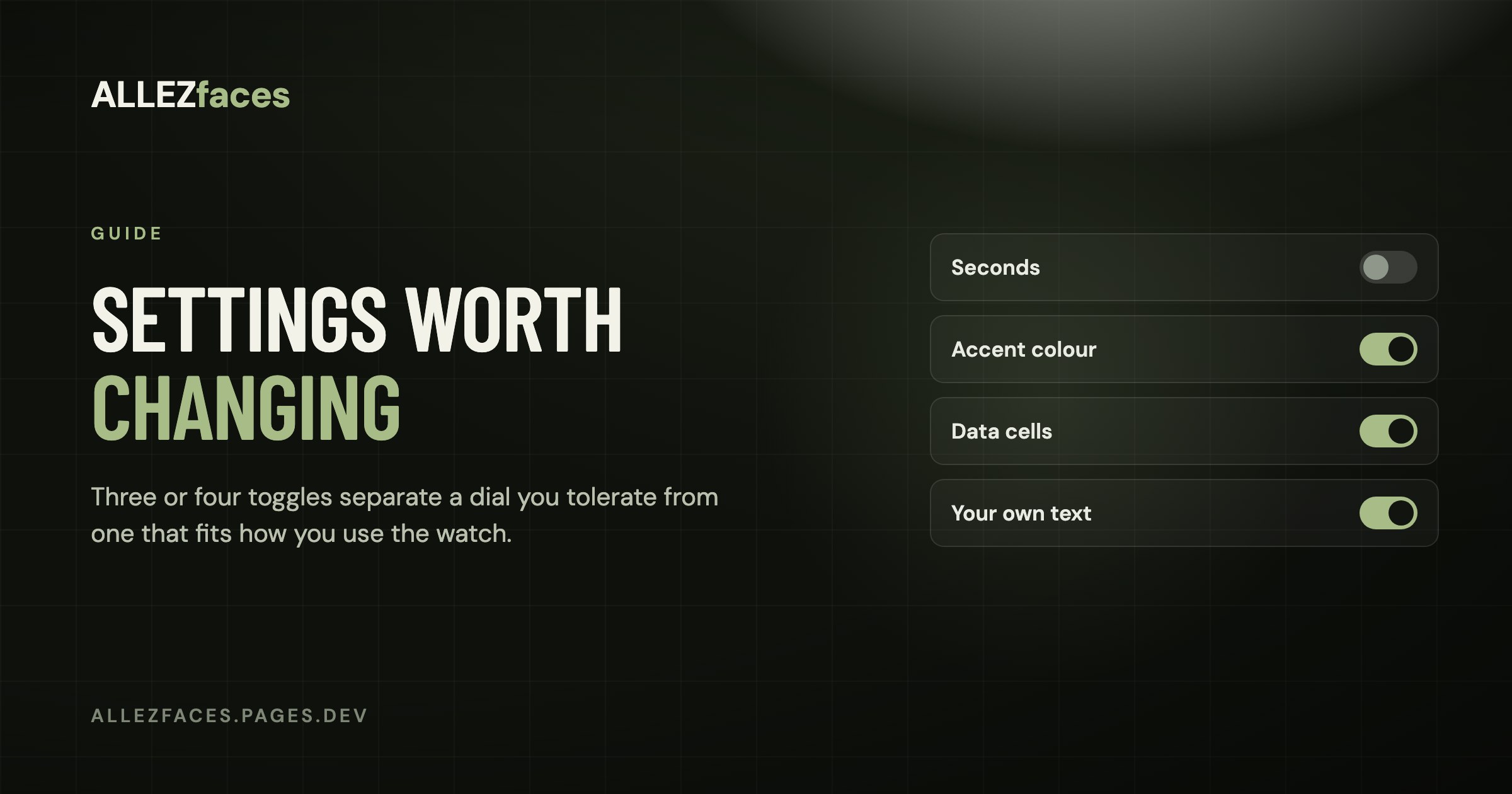
Guide
Watch face settings worth changing
A configurable Connect IQ watch face can have twenty settings, and most people change none of them. That is a shame, because three or four of those settings are the difference between a dial you tolerate and one that fits how you actually use the watch.
First: where the settings are
Built-in Garmin faces are customised on the watch (hold MENU on the dial → Watch Face → Customize).
Connect IQ faces are customised in the phone app:
- Open Garmin Connect.
- Go to your device, then Connect IQ Apps → Watch Faces.
- Pick the face and open Settings.
Changes are pushed to the watch on the next sync, which is usually a few seconds if the phone is nearby. This is also where a licence key goes for a paid face.
If the Settings screen opens blank, close Garmin Connect completely and open it again. The list is fetched from the watch, and a half-finished fetch renders as an empty page rather than an error.
The settings that matter
Seconds: off
The single most consequential toggle. A face showing ticking seconds redraws every second while the watch is awake, and on some models it holds the display in its higher-power state for longer. If you do not genuinely need seconds — and almost nobody does outside of intervals, which have their own screen — turning them off is the cheapest battery win available from a menu.
What actually drains a Garmin battery has the rest of the picture.
What each data cell shows
This is the setting that decides whether the face is useful to you or merely decorative. Two questions per cell:
- Can my watch measure it? Altitude and floors need a barometric altimeter. If yours does not have one, those cells will show
--forever and you should put something else there. - Would I act on it? Steps and battery pass. Pulse ox usually does not — it is hours old by the time you look.
What the data fields mean lists which metric depends on which sensor.
Accent colour
Less cosmetic than it sounds. The accent is what your eye finds first, so it should be on the thing you check most, and it needs to survive sunlight. Very light accents on a black dial wash out outdoors; mid-saturation colours hold up better. If a face lets you pick, try it outside before deciding.
Time format and leading zero
Follows the watch by default. Worth an explicit choice if you switch between 12- and 24-hour habits, and the leading-zero toggle is purely visual: 09:41 reads as more deliberate than 9:41 on a left-aligned layout, and worse on a centred one.
Your own text
Many faces have a free-text field — a motto, a goal, a race name. It sounds like decoration, and it is, but a line you chose is the one part of the dial you keep noticing after the novelty of the layout wears off.
Temperature units and second time zone
Both default to the watch. The second time zone is a fixed UTC offset rather than a place name, which means it does not follow daylight saving on its own — worth a note in your calendar twice a year if you use it to keep track of family abroad.
Settings that are not where you expect
- Always-on display is a watch setting, not a watch face setting: Settings → System → Display. No face can override it.
- Gesture wake and backlight timeout, same place. If the dial feels unresponsive when you raise your wrist, that is where to look.
- Battery saver replaces your chosen face with a minimal built-in one below a threshold. If your face "disappears" at 10 %, this is why.
- Which notifications reach the watch is in the phone app under notification settings, not on the dial. A notification-count cell only reflects what the watch was told about.
A sensible order to go through them
- Turn seconds off, unless you have a reason.
- Go cell by cell and replace anything showing
--or anything you would not act on. - Set the accent to the colour you can read outdoors, on the metric you check most.
- Write your own text in the free field.
- Leave everything else on default for a week, then change only what annoyed you.
Every ALLEZfaces design exposes all of the above, and the defaults are chosen to be usable without opening the settings at all — the collection shows what each one puts on the dial before you install it.
Eleven watch faces, one licence each
Every ALLEZfaces design runs free for 7 days on your own watch, so you can see it on your wrist before you decide.
See the collectionUSD 4.99 once per design · no subscription · works on 50 Garmin models