Guide
Do custom watch faces drain your Garmin battery?
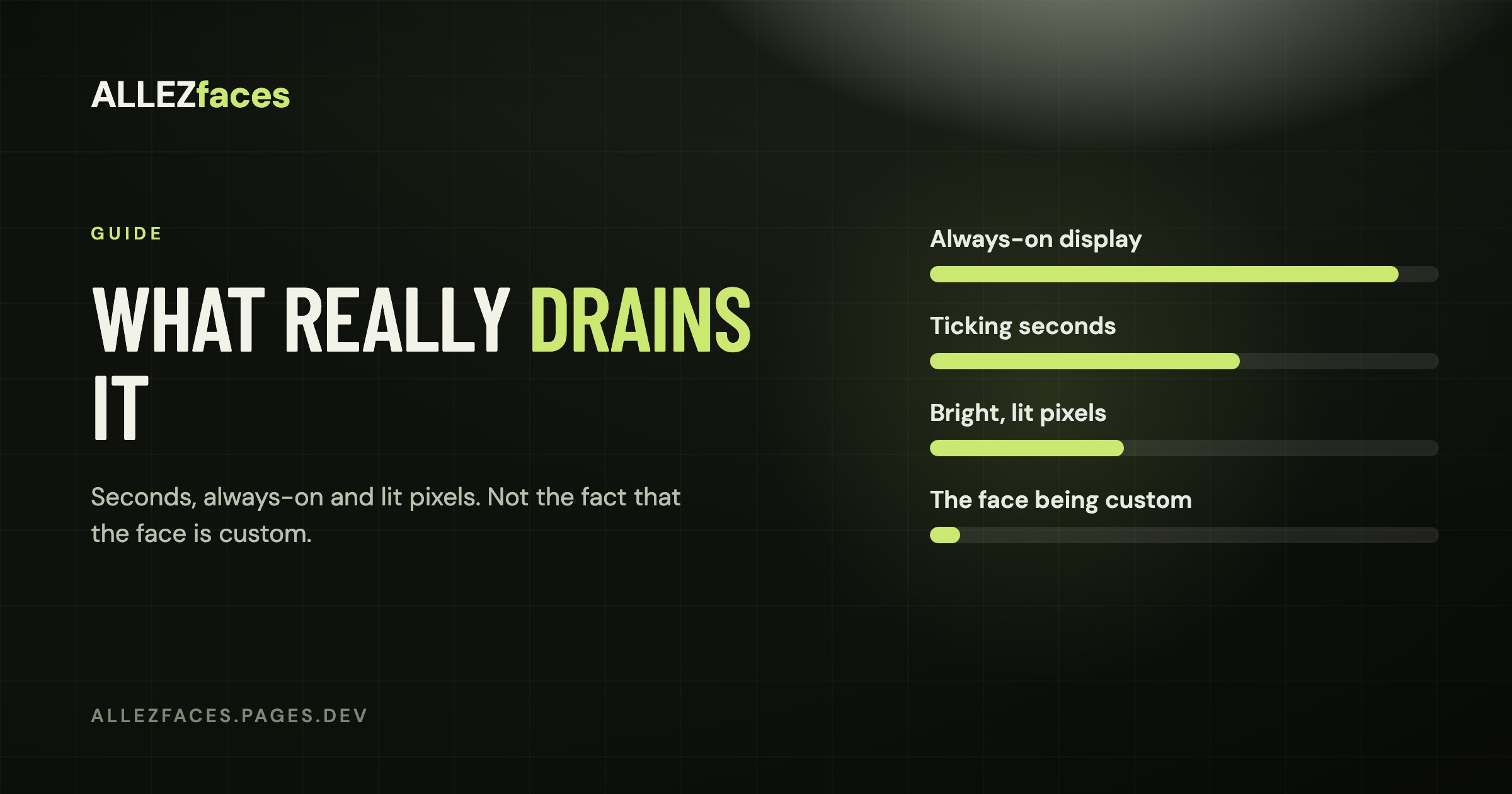
Yes, a custom watch face can shorten your Garmin's battery life — and no, it is not because it is "custom". A Connect IQ face and a built-in one are drawn by the same watch, with the same display. What separates a face that costs you a day of battery from one that costs you almost nothing is a short list of design decisions, and you can see most of them by looking at the dial.
How often a watch face actually draws
A Connect IQ watch face has two modes, and the difference between them is enormous.
- Low-power mode, which is where the face spends almost its whole life: it is redrawn roughly once a minute.
- High-power mode, when you raise your wrist or press a button: it is redrawn roughly once a second, for the few seconds the watch stays awake.
Once a minute is nothing. Even an elaborate dial full of arcs and icons costs very little when it only has to produce 1,440 frames a day. The battery question is really about how often your watch ends up in the second mode, and how bright the result is.
The four things that actually cost you battery
1. A seconds display
A face that shows ticking seconds has to redraw every second the watch is awake, and on some watches it keeps the display in its higher-power state longer. This is the single biggest difference you can make from the settings menu. If you are chasing battery life and you do not need seconds, turn them off.
2. Always-on display
On an AMOLED Garmin, always-on means the screen never fully sleeps: it shows a dimmed version of the face continuously instead of going black. That is a display cost, not a watch face cost, and it is by far the largest single drain on an AMOLED model. A well-made face helps by dimming to very little in always-on mode — time and date, dark background, no bright fills — but nothing a face does can offset the screen being lit all day. If battery is your priority on an AMOLED watch, turn always-on off and use gesture wake.
On a MIP display, always-on is the normal state and costs almost nothing. This is the one place where the older screen technology wins outright; the MIP vs AMOLED guide goes into the trade-off.
3. Lit pixels, on AMOLED
An AMOLED pixel that is black is switched off and draws no power. A pixel that is white draws the most. This is why serious AMOLED watch faces are mostly black, with colour used deliberately on the few things you actually read. A face with a bright photographic background across the whole dial, on always-on, is the worst case available to you.
On MIP the logic does not apply at all: the display reflects ambient light, and a white background costs the same as a black one.
4. What the face fetches
This one is invisible on the dial. A face that pulls weather, or talks to your phone, or wakes up a background process on a schedule, spends radio time — and the Bluetooth radio costs far more than drawing pixels. A face that shows weather is fetching data that Garmin Connect has already synced, which is cheap. A face doing its own network requests on a timer is not.
What "battery saver" does
Several Garmin models have a battery-saver watch face mode of their own, which replaces whatever you have chosen with a minimal built-in dial when the battery drops below a threshold. If your custom face "disappears" and a plain one shows up, this is usually why, and it is a watch setting rather than anything to do with the face you installed.
How to measure it rather than guess
Garmin's own battery estimate on the watch reacts slowly and is not much use for A/B testing. A better method:
- Note the battery percentage at a fixed time of day, for three days, on your current face.
- Switch face, change nothing else — same always-on setting, same activities, same notifications.
- Compare the same three-day window.
Anything under a couple of percentage points a day is noise. If you see a difference larger than that, the culprit is nearly always seconds or always-on rather than the face's artwork.
What this means when you pick a face
If you are on an AMOLED Garmin and you care about battery:
- Prefer a face with a genuinely black background, not a dark grey one.
- Turn seconds off when you do not need them.
- Decide deliberately about always-on; it is the biggest lever you have.
- Check that the face has a real low-power layout — hold your wrist down and see what it dims to. A face that shows the same bright dial in always-on mode has not been designed for an AMOLED watch.
Every ALLEZfaces design dims to time and date on a black background in always-on mode, and seconds are a setting you control, because those are the two decisions that actually move the number.
Eleven watch faces, one licence each
Every ALLEZfaces design runs free for 7 days on your own watch, so you can see it on your wrist before you decide.
See the collectionUSD 4.99 once per design · no subscription · works on 50 Garmin models